

Share This Article
Choosing portable power starts with a practical question: what do you need to keep running, and for how long? A phone, lights and a laptop call for a different setup than a fridge, cooking appliance or a longer outage reserve. Capacity and output answer different questions: watt-hours describe stored energy, while watts indicate the load a unit can support.
We reviewed the Canada product listings to explain how BLUETTI organizes its portable stations, larger reserve options and vehicle charging gear. The range includes standalone units as well as bundles with expansion batteries or solar panels, so the useful comparison is the configuration, not just the model name.
We may earn a commission when you buy through links on this page, at no extra cost to you.
Set the load first
Before looking at a product page, list the devices you expect to run together. Check each device label for its wattage, then estimate the hours of use. Starting with your actual load makes capacity claims easier to interpret and reduces the chance of choosing by headline numbers alone. A station’s AC output must also cover the highest draw among the devices you plan to plug in.
- For light portable use: focus on phones, computers, lights and small appliances.
- For home backup: identify essential circuits or appliances and consider how much stored energy the outage plan needs.
- For travel: account for where the station will ride, how it will recharge and whether you need solar or vehicle charging.
The BLUETTI Elite 100 V2 is listed with 1,024Wh capacity and 1,800W output. That combination gives it a portable role for essentials and selected backup loads; it does not mean every high-draw appliance will run for a full day. Check both the output limit and your expected runtime in the Elite 100 V2 listing, including what the page specifies about recharging and included accessories.
Choose a power scale
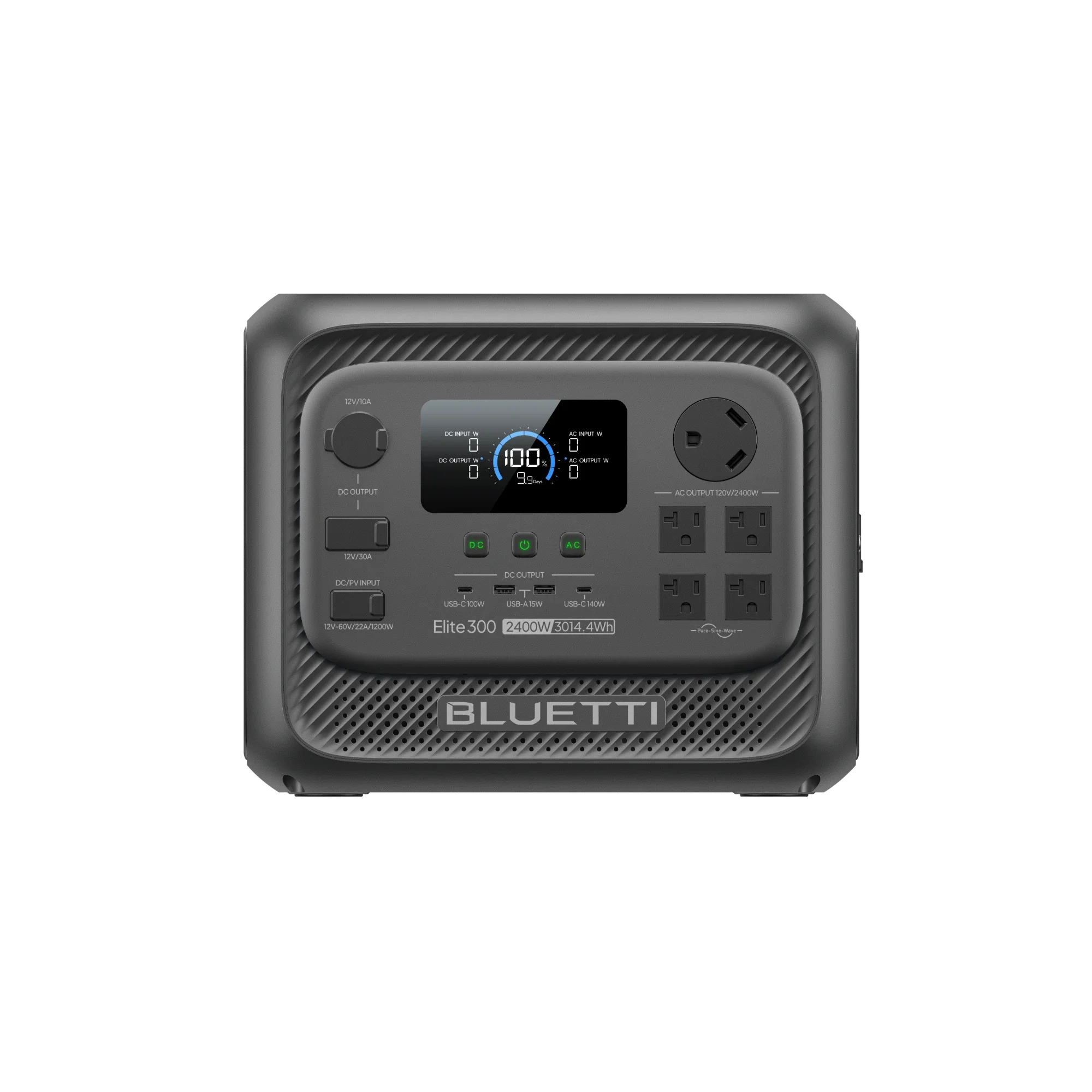
For a larger reserve, the BLUETTI Elite 300 is listed at 3,014Wh and 2,400W, with a UPS feature and app control noted on its Canada product page. Its greater capacity makes it a stronger fit to assess for longer backup windows or a broader device mix. The listing still needs to be checked against your appliances: runtime changes with load, and a UPS feature is not a substitute for planning which equipment you will connect.
Consider the Elite 300 details if you want more stored energy in one unit. Compare that with a smaller station plus expansion battery only where the product page says the parts are compatible. Expandable does not mean universal, and a bundle’s displayed total capacity can include more than one battery.
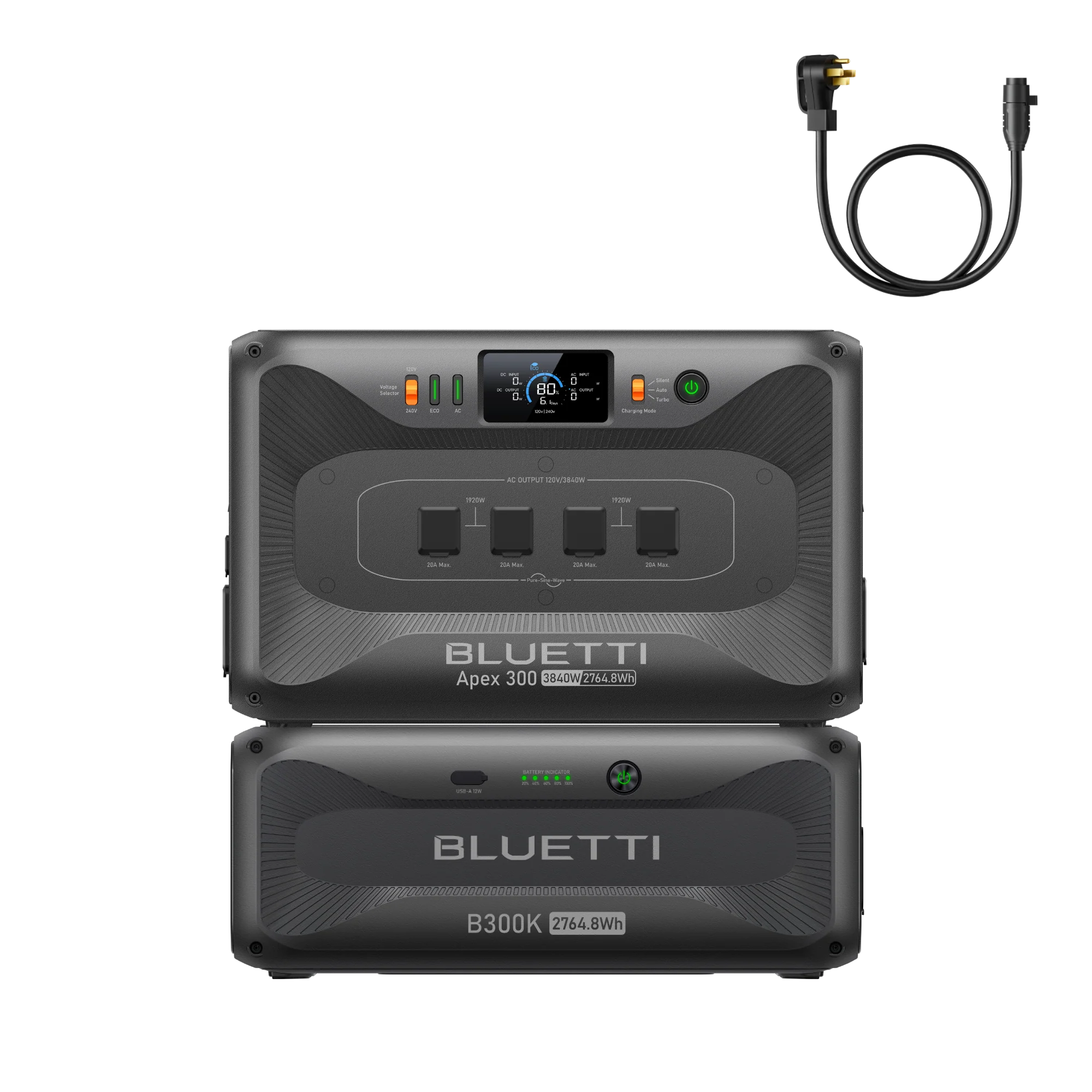
BLUETTI’s Canada store also presents modular setups such as Apex configurations paired with expansion batteries. These are aimed at larger home, RV or off-grid loads, so their appeal is the ability to build a system around higher demand. A bundled system can also mean more equipment to place, connect and recharge. Review the individual component names, quantities and compatibility details before treating the bundle as a simple all-in-one station.
When solar makes sense
Solar panels can extend a setup away from a wall outlet, but the best match depends on panel input limits, sunlight and how quickly you need energy restored. BLUETTI lists solar generator bundles and separate panels alongside its stations. Check the supported solar input for the exact model, the panel connector and whether the configuration includes the cable you need. Panel wattage is not a guaranteed daily yield; weather, placement and daylight affect what you collect.
- Match the panel’s output and connector to the station’s stated input.
- Decide whether portability or faster collection matters more for your use.
- Check whether the listing is for a station, panel, or combined kit.
For road travel, the BLUETTI Charger 2 is described as an alternator and solar dual-input charger. The Canada listing specifies up to 1,200W dual-input charging, with alternator and solar inputs managed through PV-priority control. It is a charging component for a compatible power system rather than a standalone battery station. Check the Charger 2 compatibility notes and installation requirements before choosing it for a vehicle.
Read the listing
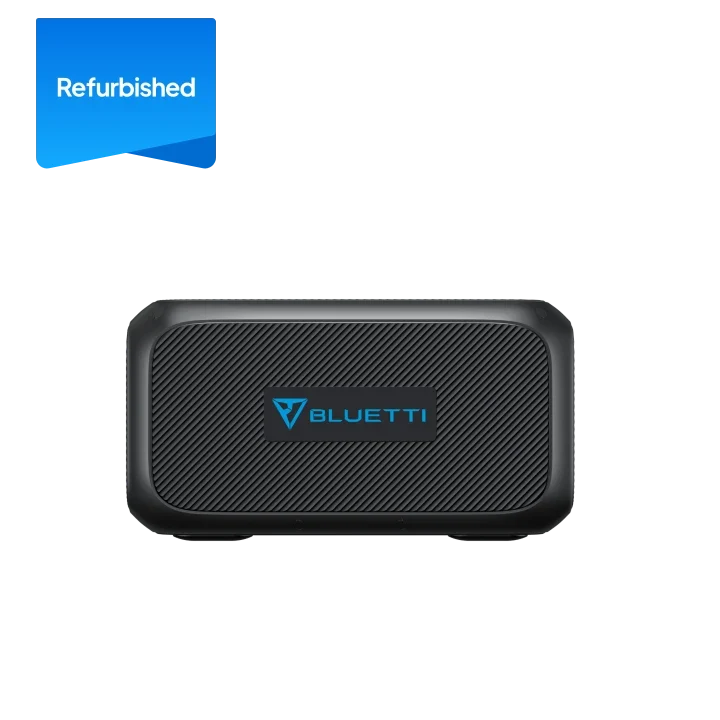
Because BLUETTI sells both standalone products and grouped configurations, the final check is what the page includes. Bundles may combine a station with a battery, panel, charger or connection hardware; the exact contents differ by listing. Product names can be similar across generations, so compare the model identifier and specifications shown on the specific page you intend to use.
- Confirm the station model, battery chemistry and rated output.
- Look for the included cables, adapter and charging accessories.
- Check expansion compatibility, warranty information, delivery terms and return conditions on the Canadian store.
- Review the live product page for current availability and configuration details before deciding.
These checks matter most when comparing a listed Elite 100 V2 unit with an Elite 300 configuration or a road setup that adds a Charger 2. Treat the page as the source for included equipment and availability. If you need current pricing, the store listing is the place to check; we leave out figures here because they can change.
One last look
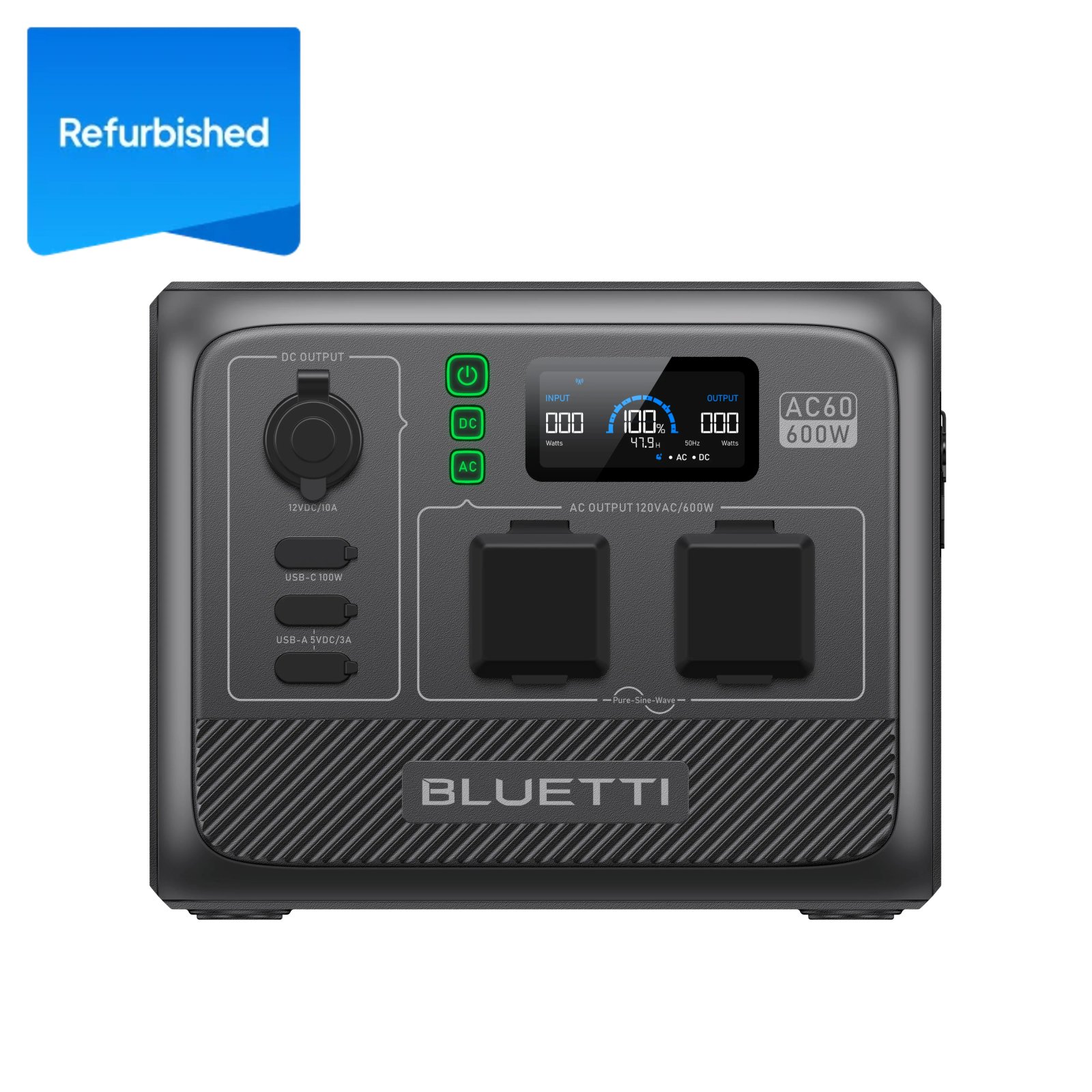
For portable essentials and selected backup loads, start by checking the Elite 100 V2 against your expected draw. For a larger reserve, compare the Elite 300; for vehicle charging, investigate whether the Charger 2 fits your system. Our recommendation is to choose by load and recharge plan, then verify bundle contents on the Canada store. The limitation is that published capacity alone cannot predict runtime for your particular devices.
Choose the BLUETTI setup by the devices you need to run and how you will recharge it.