Share This Article
As autumn settles in across Canada, shorter days and colder nights make it a useful time to think through a household power plan. The right portable station depends less on the season itself than on which essentials you want to keep running, for how long, and how you expect to recharge.
We reviewed the Canadian product pages for BLUETTI to compare a smaller portable option, a higher-capacity station and a home-backup model. The specifications can help narrow the field, but a written capacity figure is not a runtime guarantee: appliance demand, conversion losses and your recharge routine all matter.
We may earn a commission when you buy through links on this page, at no extra cost to you.
Start with essentials
Write down the devices that matter during an interruption before comparing models. A router, phone and a few lights have a different combined draw from a refrigerator, sump pump or several kitchen appliances. Check each device label or manual for its running and starting wattage, then decide how many hours of backup you want to plan around.
- Keep communications on: list phones, a router and a laptop, including how often they need charging.
- Protect food or comfort: identify the refrigerator, medical equipment or heating controls that are essential in your home.
- Separate brief use from long use: lights and charging may be intermittent, while refrigeration cycles over many hours.
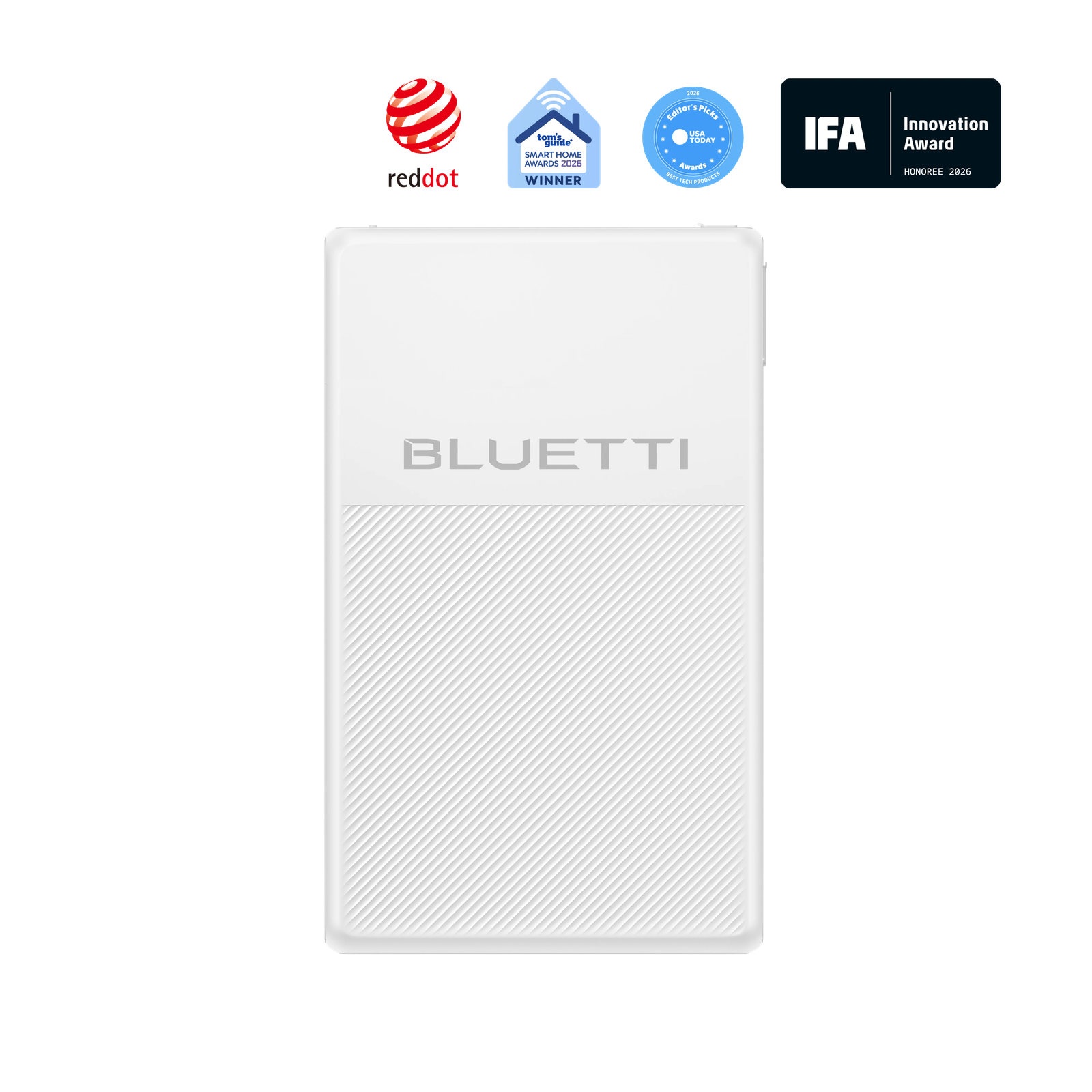
The Canadian listing describes the BLUETTI Elite 100 V2 as a portable power station for a more compact essentials plan. The BLUETTI Elite 300 lists 3,014Wh capacity and 2,400W output, giving it more stored energy and output headroom for a broader set of loads. Those figures are selection clues, not a promise that every appliance can run together.
Compare by job
A station’s watt-hour capacity describes stored energy, while its watt rating helps indicate which devices it can support at once. Both need to fit the appliance list. A product can have substantial stored energy and still be unsuitable for a device whose starting draw exceeds the station’s output rating. Confirm compatibility for sensitive or high-demand equipment from the manufacturer documentation.
| Option | Best fit | Planning note |
|---|---|---|
| Elite 100 V2 | Portable essentials | Match output to the actual device list |
| Elite 300 | Longer or broader backup | 3,014Wh and 2,400W listed capacity/output |
| Apex 300 | Home backup planning | Review the Canadian page for system configuration |
For a home-centered setup, the BLUETTI Apex 300 is presented as a home battery backup option. That makes it worth comparing when you are thinking beyond a small portable kit, though installation needs and the exact configuration deserve a careful read before choosing. The Elite 300 sits between everyday portability and a larger backup plan in this shortlist.

Plan the recharge
Fall weather can mean cloudy stretches, shorter daylight and fewer convenient opportunities to leave equipment outdoors. Decide whether a wall outlet is your normal recharge route, whether solar will be a useful supplement, or whether you need a setup that can be replenished away from home. A panel adds flexibility, but it also adds space, setup time and weather exposure to the plan.
- Check the station’s supported input methods and recharge limits.
- Consider where a panel can sit in daylight without blocking a walkway or being left unattended.
- Store cables and accessories together so the system is ready when needed.
BLUETTI’s Canadian range includes solar pairings such as the Elite 100 V2 with a SORA panel, and a separate listing for an Elite 200 V2 with SORA 220. The panel’s stated wattage is a maximum under suitable conditions; real-world harvest changes with sun angle, shade and weather. Browse the Canadian solar options alongside the station rather than assuming a bundle is the only route.
A larger solar pairing may suit a household that expects to recharge away from an outlet, but it changes the carrying and storage footprint. The Elite 200 V2 and SORA 220 listing gives a concrete example of a station-and-panel combination. Compare its connectors and recharge compatibility with the station you have in mind before selecting accessories.
Check the ownership details
A backup plan also depends on practical details around the product. Read the Canadian listing for included cables, expansion compatibility, warranty terms, shipping expectations and any return conditions. These can vary across models and bundles. If your plan includes medical equipment, a heating system or hardwired household circuits, confirm suitability with the equipment maker or a qualified professional.
- Measure where the station will be stored and how it will be moved.
- Check whether the devices you rely on use standard AC outlets, USB charging or another connection.
- Keep the station charged and follow the care instructions for storage between outages.
The Elite 100 V2 is the more portable direction for a focused list; the Elite 300 adds substantially more listed capacity for a wider plan; and the Apex 300 merits a closer look when household backup is the priority. Current product details and price are on the Canadian store pages, where configuration and accessories affect the overall cost.
Capacity planning is easier when you estimate energy over time, not just the number of plugs. A device that draws a modest amount continuously can use more stored energy across an overnight outage than a higher-draw appliance used briefly. For a conservative estimate, add up expected watt-hours for each essential, then allow for conversion losses and leave a reserve. Treat published runtime examples as illustrations because actual use depends on the appliance and conditions.
The Canadian listings let you inspect each model’s ports, charging inputs and supported accessories before making that estimate. Compare the Elite 100 V2 against the same short list of loads you use for the Elite 300; the tradeoff is weight and portability against the extra capacity. For a stationary household plan, examine how the Apex 300 is configured and whether its expansion approach fits the space and backup goals you have.
One last look
For fall preparedness, start with the loads you would actually protect, then choose output and capacity with a margin that reflects your intended runtime. The Elite 100 V2 is the sensible starting point for a portable essentials list; the Elite 300 is the clearest fit here for broader stored-energy needs; and the Apex 300 is the home-backup path to investigate. The limitation is that no model can be recommended responsibly without your appliance draw and recharge plan.
Choose the smallest BLUETTI setup that comfortably covers your essential loads and realistic recharge routine.